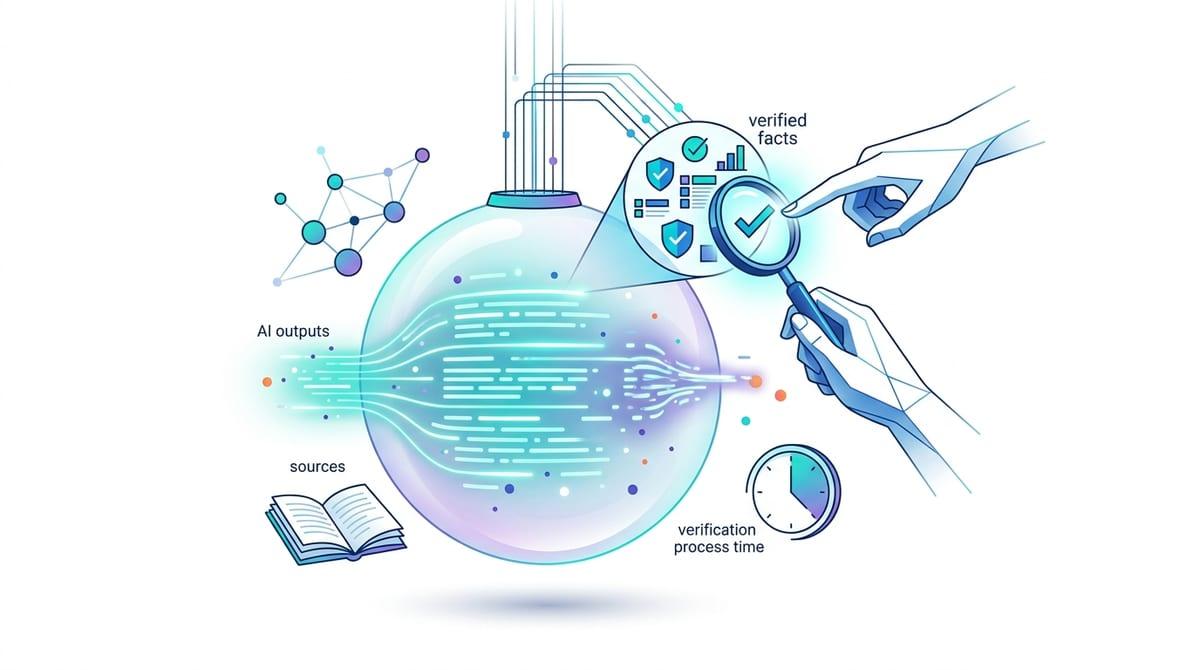
You asked a simple question—why did the answer sound so sure?
You type a quick question into a chatbot—something you’d ask a coworker—and you get back a crisp, complete answer in seconds. It reads like a mini-encyclopedia entry: confident tone, clean structure, no hesitation. That polish makes it feel safe to copy into an email, cite in a slide, or use to make a call.
The problem is that “sounds sure” isn’t the same as “is correct.” Chatbots can produce fluent text even when the facts are off, the names are swapped, or the details were quietly filled in. The risk shows up fast when the question involves a date, a policy, a definition for class, or anything you’ll repeat to someone else.
So why does an answer come out sounding certain in the first place?
When “sounds right” becomes “must be right”
That certainty kicks in when you’re in a hurry. You see bullet points, a neat explanation, maybe even a “therefore,” and your brain treats the shape of the writing as proof. If the answer matches what you already half-believed, it stops feeling like a guess and starts feeling like a fact you “confirmed.”
This is how “sounds right” turns into “must be right.” The chatbot doesn’t just give you information—it gives you relief from uncertainty. You can move on, send the message, finish the homework, stop searching. But the same polish that makes it easy to read also hides weak spots: a made-up citation, a confident but outdated policy summary, a statistic that looks plausible because it has decimals.
Checking every line would defeat the point of using a chatbot. What you need is a way to spot when the stakes are high enough to slow down.
What the model is actually doing (and why that creates mistakes)
That “stakes” feeling usually hits when you realize the chatbot didn’t look anything up. In most cases, it generates the next word based on patterns it learned from huge amounts of text. If your question resembles thousands of past explanations, it can produce a clean, convincing answer fast. If your question is unusual, time-sensitive, or missing details, it still has to produce something, so it fills gaps with whatever seems most likely in context.
This is why errors often look “reasonable” instead of random. The model can mix up two similar names, blend two versions of a policy, or invent a quote that matches the tone of the person you asked about. It can also keep the same confident voice whether it’s right or wrong, because the tone is part of the writing pattern, not a measure of certainty.
Vague prompts, fuzzy goals, and the hidden assumptions you didn’t mean to allow

Tightening it usually starts when you notice how much you didn’t actually say. You ask, “Can you summarize this?” but you never tell it what you’ll use the summary for, how long it should be, or what counts as “important.” So it makes choices for you—often reasonable ones, sometimes not. If you needed a neutral brief for class, but it assumes you want a persuasive takeaway for a meeting, the same source text can turn into a very different output.
Vagueness also invites silent defaults. “Is this legal?” becomes “in the U.S., generally,” even if you meant your state, your industry, or a specific date. “What’s the best option?” becomes “best for cost,” even if you care more about speed, risk, or reputation. And when you don’t set boundaries—time period, location, audience, format—the model will pick them, then write as if those choices were yours.
Adding detail takes effort, especially when you’re tired. But a few extra words—“for a 150-word memo,” “as of 2026,” “for California,” “list assumptions”—often does more to reduce errors than any after-the-fact fact-checking.
Hallucinations happen—so when is it safe enough to rely on an answer?
That “few extra words” move is also your first clue about safety: if you can state the boundaries and the chatbot still gives a stable, boring answer, you’re usually in safer territory. Think low-stakes, low-volatility tasks—rewriting an email more politely, brainstorming headings, outlining a paper you already understand, or summarizing text you paste in. In those cases, you’re judging clarity and usefulness more than factual accuracy.
It gets risky when the answer would change based on a precise detail you might have missed. If it involves dates (“as of 2026”), eligibility rules, medical or legal guidance, prices, quotes, or named people and organizations, assume you need confirmation outside the chat. A clean paragraph can still hide a swapped name, an outdated policy, or a statistic that only looks real because it has a specific percent.
Rely on it for structure and options, not for final facts. Use it to draft the memo, list the questions to ask, or propose two interpretations—then verify the handful of details that would embarrass you if they were wrong. The next step is getting the chatbot to surface those details on purpose.
How to make the chatbot show its work without turning your day into research

In practice, you only notice the risky parts after you’ve pasted the answer somewhere and it “looks done.” Instead, ask for the parts you’d normally scan if a coworker sent this: “List the key claims you’re making, then the assumptions behind each.” If the answer depends on “generally,” “usually,” or “it depends,” make it pin those words down with a quick follow-up: “What would change this answer?” and “What details would you need to be confident?”
When you need facts, force a two-track output. Ask: “Give me the draft, then a checklist of what must be verified (names, dates, numbers, definitions).” You’ll often get a short list you can actually check. The limitation is real: the model can still invent plausible-sounding sources or “assumptions” that weren’t stated anywhere, so treat its checklist as a map—not proof.
Once you have that map, you can build a fast verification habit around the handful of items that matter.
A fast verification habit for numbers, names, quotes, and claims that could embarrass you
That “handful of items” is usually smaller than it feels: the numbers, the proper nouns, and any sentence you’d be willing to repeat in public. Treat those as a short “risk list,” then verify them in the fastest way available. If it’s a policy or price, go straight to the official page. If it’s a statistic, find the original report or dataset. If it’s a definition, confirm it in a primary textbook or a credible reference you’d actually cite.
Keep the habit mechanical. Copy the exact claim into a search bar with quotation marks, then try it again without them. Check spelling of names and dates against two independent sources. For quotes, don’t trust “sounds like them”—require a source link and match the wording. Even five minutes feels expensive. But five minutes beats sending the wrong number to your boss.
Then circle back to the chatbot with what you found: “Here’s the source; update the answer and note what changed.” That turns verification into a tighter draft, not a separate chore.
Using AI confidently by treating it like a draft partner, not an authority
That “update the answer and note what changed” move is the mindset: use the chatbot like a draft partner you can correct, not an authority you have to trust. Let it produce the first version—an outline, a clearer email, a list of options—then you decide what’s true, current, and appropriate for your audience.
In real work, the constraint is time. You won’t verify everything, so pick a few “must be right” items up front (names, dates, numbers, rules) and treat the rest as wording. If you can’t quickly confirm a key detail, don’t upgrade it into a claim—rephrase it as a question, a range, or a placeholder you’ll fill later.
Narrow the ask, demand assumptions, verify what matters, and treat the output as a well-written draft until you’ve earned the right to call it a fact.