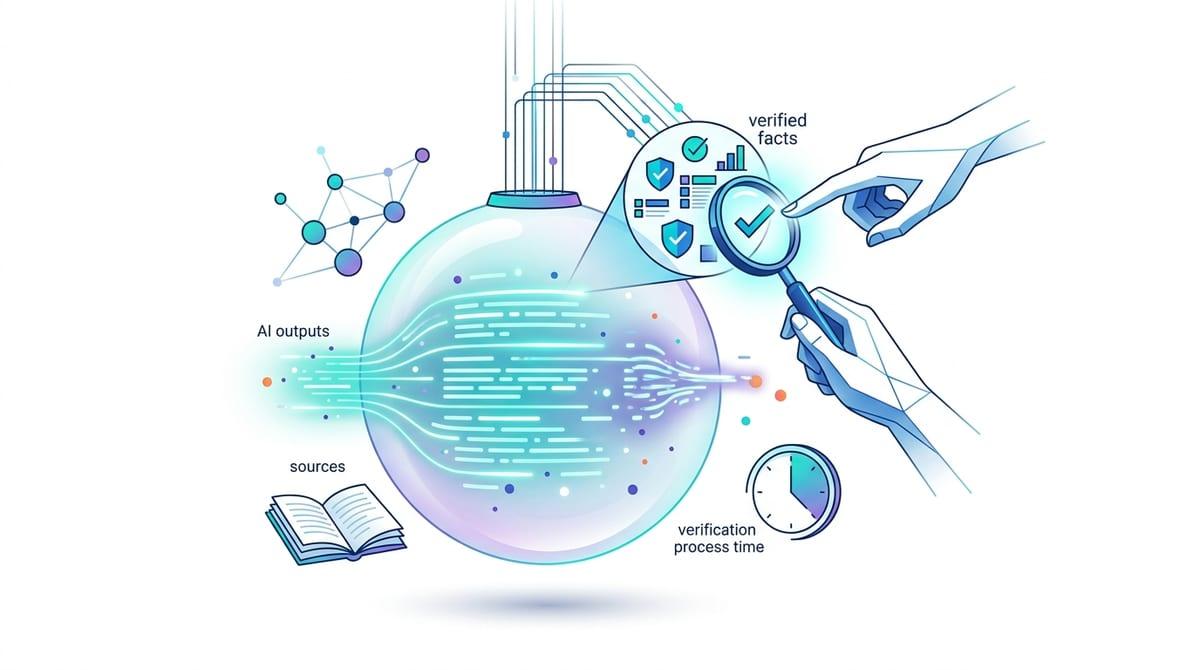
It worked in the demo—then the rollout got weird
The demo usually feels clean: one person, one channel, a handful of “good” examples, and a prompt that never gets rushed. Then you roll it out and the same feature starts acting inconsistent. A support agent pastes an email thread instead of a single question. A customer writes in fragments. Someone asks for “a quick summary” but really needs a decision, and suddenly the output looks off—or risky.
This isn’t random. “Context” changed in small, concrete ways: where the text came from, what got included around it, what the user actually meant, and what consequences sit on the answer. The hard part is that the prompt may be identical, while the surrounding conditions are not.
The fastest way to regain control is to name those conditions and test them on purpose—before you ship to everyone and have to debug in public.
Which “context” actually changed (and which didn’t)?
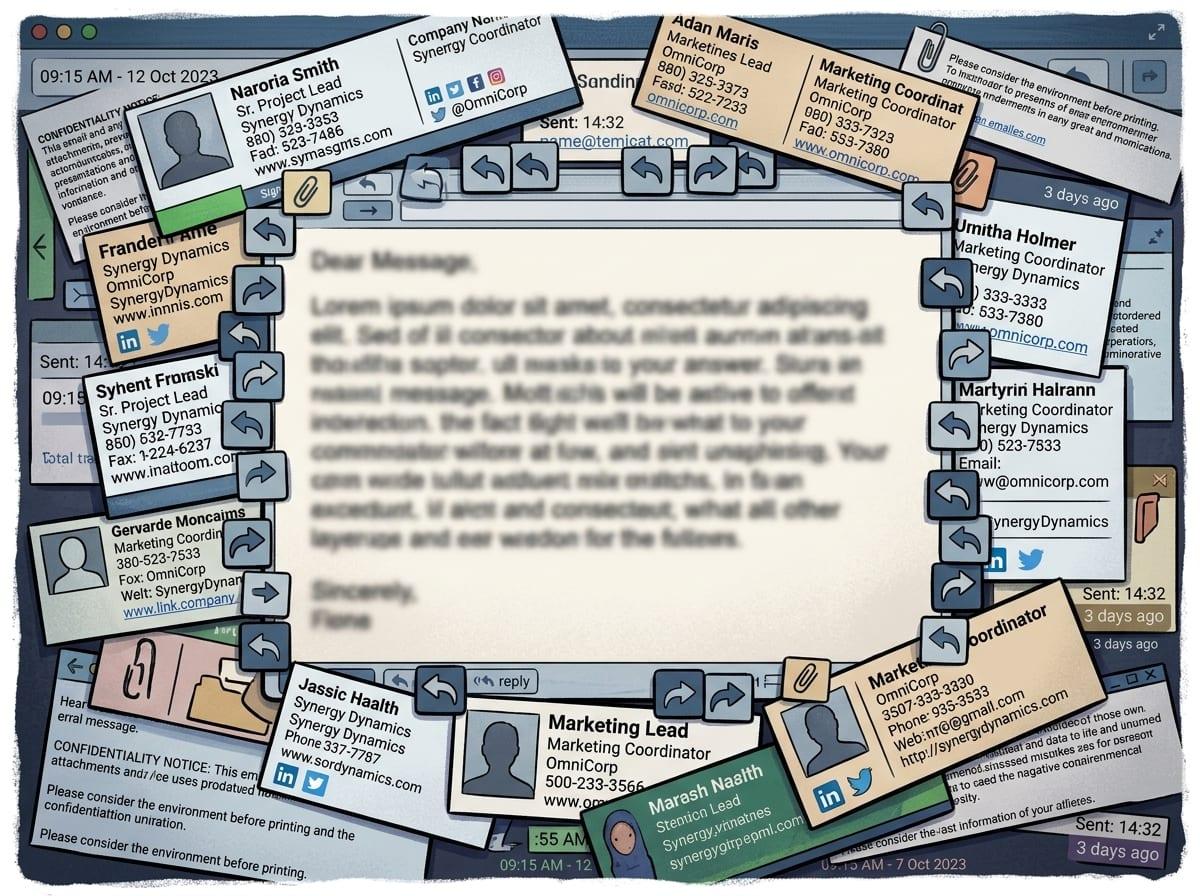
Once you start naming “conditions,” you usually find that the prompt isn’t what shifted—your inputs did. In the demo, the model may have seen one clear question. In production, it sees a ticket title plus a pasted chat plus a policy snippet, and now it has to guess what to prioritize. Even the same words can behave differently when they’re surrounded by signatures, quoted replies, timestamps, or template boilerplate.
Separate what changed into a few buckets you can check. The obvious one is the text itself: length, language, formatting, and whether it contains multiple intents (“refund me” and “cancel my account”). Another is the hidden instructions: system message, tool outputs, retrieval results, and any “helpful” wrapper text your app adds. A third is constraints: allowed actions, safety rules, and what you consider a “correct” answer.
What often didn’t change is the model. Treat it like a constant and run side-by-side tests that swap only one bucket at a time—though that takes real time, and someone has to own the test set.
Why small wording differences can flip the outcome
That “one bucket at a time” approach gets revealing when the only bucket you swap is phrasing. In the demo you might ask, “Summarize this ticket,” but real users write, “What’s going on here?” or “Can you tell me if we should refund?” Those aren’t cosmetic changes. The first invites compression, the second invites diagnosis, and the third quietly asks for a decision—so the model shifts from recapping facts to making a call.
Small words also change the implied audience. “Reply to the customer” triggers tone and next steps; “draft internal notes” triggers bluntness and assumptions. Even a single hedge (“roughly,” “probably,” “I think”) can make the output more cautious, while a hard verb (“must,” “decide,” “approve”) can push it toward overconfident conclusions.
You can’t write a prompt that covers every phrasing pattern. Instead, log the top 20 user wordings, cluster them by intent, and add lightweight routing (“summary” vs “recommendation” vs “action”) before you chase model tweaks.
When your inputs stop being ‘clean text’
That routing falls apart the moment the “text” isn’t really text anymore. In production, users paste screenshots turned into messy OCR, forward HTML emails with hidden tables, or drop in CSV exports where columns wrap and headers repeat. A chat transcript might include agent macros, customer profanity, and system notices (“payment failed”) all mixed together. If you treat all of that as one plain prompt, the model has to guess what’s content, what’s structure, and what’s noise.
This is where simple pre-processing earns its keep. Strip signatures and quoted replies, normalize whitespace, and label blocks (“Customer message,” “Agent reply,” “Order details”). If you can, keep attachments as separate fields instead of jamming them into one blob, so your prompt can point to them by name.
A naive “remove everything after ‘From:’” rule will erase the only line that mentions the product SKU. You’ll want a small sample of real, ugly inputs you rerun weekly—because the next section is what happens when the stakes rise.
Higher stakes create a different model—even with the same prompt
When the stakes rise, the same prompt often stops behaving like the same task. A “summarize this ticket” flow in a sandbox is low risk; the same flow inside a refund-approval screen, an HR workflow, or a regulated product is now tied to money, access, or policy. That shifts what you accept as “helpful,” and it changes what the model is allowed to do.
In practice, higher stakes usually add invisible constraints: stricter safety filters, tighter system instructions, required disclaimers, forced citations, or tool calls that inject policy text and retrieval snippets. If you route to a “safe” configuration, you may also change temperature, max tokens, or which model variant handles the request. Then you see the familiar failure modes: bland answers that dodge the decision, long hedges that frustrate agents, or refusals triggered by words like “termination,” “chargeback,” or “self-harm” even when the intent is benign.
Decide up front where you want caution versus action, then test those screens separately—because the next change is what happens once user feedback starts steering the outputs.
What changed after you added thumbs-up/down (or auto-resolution)?
Once agents can tap thumbs-up/down, the system stops being “just a prompt” and becomes a loop. A downvote often triggers an internal label like “bad summary” or “incorrect,” but those labels usually mix different problems: wrong facts, wrong tone, wrong level of detail, or simply “I was in a hurry.” If you later use that feedback to tune prompts, rank answers, or train a model, you can end up optimizing for the easiest-to-please cases and making the hard, high-stakes ones worse.
Auto-resolution adds another layer: it turns a model output into an action. If the product marks a ticket “resolved” when the summary looks confident, agents will stop reading closely, and your false positives become silent. The tickets that do get reopened then become a skewed set—angry customers, messy threads, edge cases—so your metrics drift even if the model didn’t.
Keep feedback, outcomes, and intent separate. Store why something was downvoted, track reopen rates by workflow, and review a small weekly batch where “successful” cases still had real consequences—before you start tuning toward the wrong signal.
Before you ship to everyone, where do you try to break it?
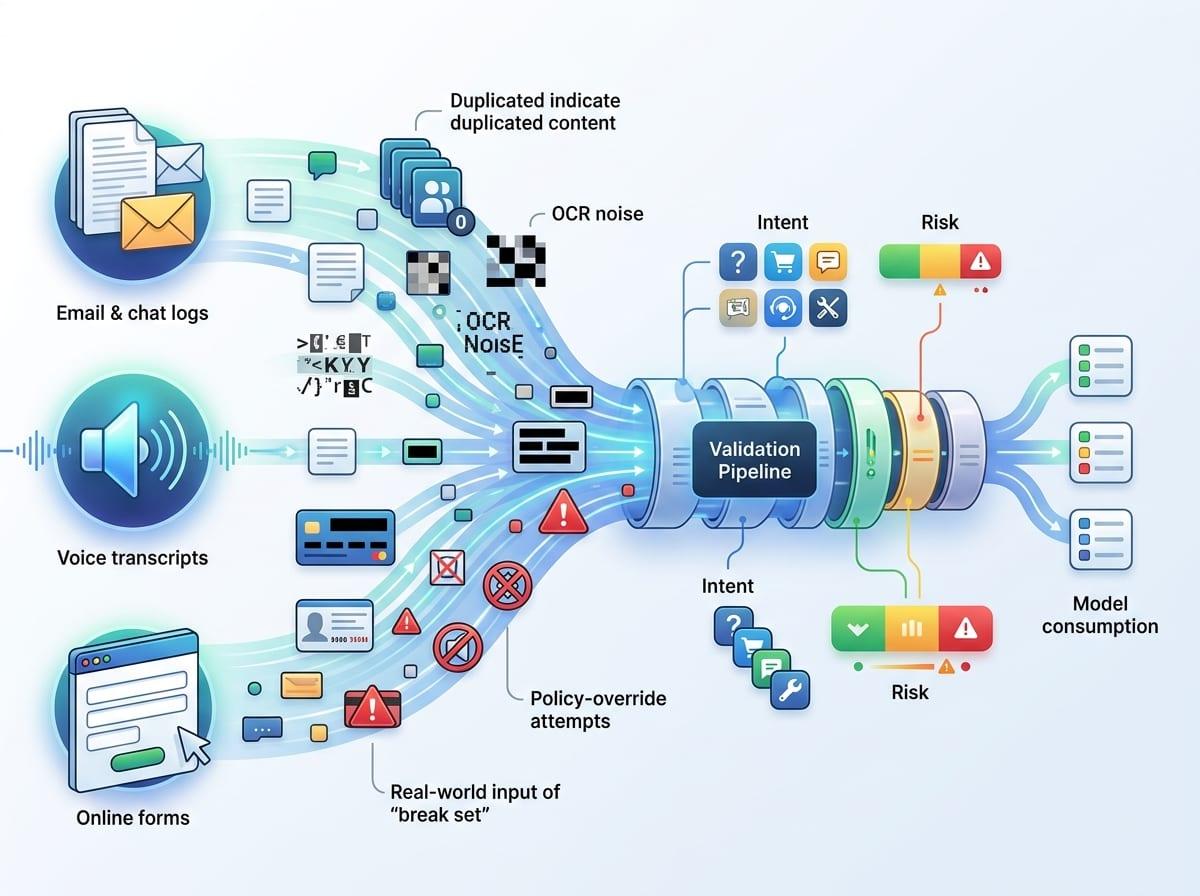
That weekly batch review is also where you can stop being surprised: take the cases that “worked” and try to make them fail on purpose. Pick one output you trust, then vary the surrounding conditions that production will vary for you—longer threads, mixed languages, pasted tables, a policy snippet that contradicts the user, a vague ask like “handle this,” or a hard ask like “approve the refund.” If the answer flips, you just found a context boundary you need to handle with routing, guardrails, or a separate workflow.
Run a small “break set” before broad rollout: 50–100 real inputs across channels, tagged by intent and stakes, with an expected format for the answer. Include the ugly stuff: duplicated content, OCR noise, redacted IDs, and prompts that try to override policy. Someone has to curate and re-run it after every prompt, tool, or policy change.
Ship behind a gate at first. Then watch where users hesitate, not just where they downvote, because that’s where trust starts to leak.
Keeping trust as contexts multiply
That hesitation shows up when the same button produces different “kinds” of answers across inbox, chat, and internal tools. People stop trusting the feature, then they stop using it, even if your average score looks fine. Treat trust as a product requirement: make the mode visible (summary vs recommendation), show what sources were used (ticket only vs ticket + policy + CRM), and give a quick way to correct the record (“wrong customer,” “missing order ID”).
Don’t hide the limits. If the input is an OCR screenshot or a mixed-language thread, say so and ask for the missing field instead of bluffing. Someone has to own monitoring by workflow, review a small sample every week, and ship tiny fixes before the exceptions become the norm.
Trust grows when users can predict what happens next.