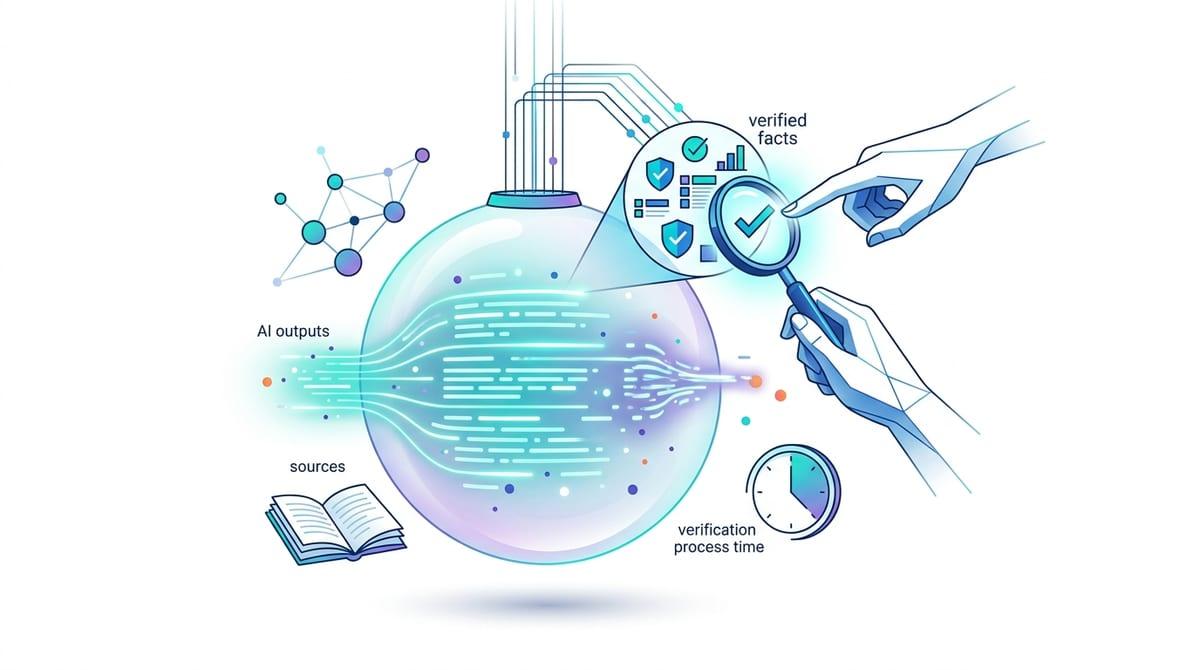
You’ve been sold “agents” three different ways—so what are you actually evaluating?
Most teams start this conversation with a vendor demo and a familiar feeling: “agent” seems to mean whatever the product already does. Sometimes it’s a nicer chatbot. Sometimes it’s a copilot that drafts and suggests. Sometimes it’s old-school automation with an LLM bolted on.
So the real evaluation isn’t the label—it’s the operating model. Can it take actions through tools, or does it only talk? Does it run under a defined identity with permissions, or a shared service account? Can you audit what it did and why, and force a human handoff when the situation gets messy?
Those answers also set the cost: every “do” capability pulls in security review, change control, and support ownership. That’s when a chatbot stops being a chatbot.
When does a chatbot stop being a chatbot and become an enterprise agent?
In practice, the line gets crossed the first time the system can change something outside the chat window. Answering a question is low-risk; creating a ticket, updating a customer record, pushing a config change, or triggering a refund is a different class of software. That’s no longer “helpful text.” It’s an operator.
An enterprise agent is a chatbot plus three things you can point to: (1) tools/actions with predictable inputs and outputs (API calls, workflow steps, queued jobs), (2) a defined runtime identity with scoped permissions, and (3) auditability—what it tried to do, what it actually did, and the data it used. If it can’t log actions, replay decisions, or pause for approval, you don’t have an agent; you have an assistant with a risky button.
The hard part is that every real action drags in access reviews, exception handling, and someone’s on-call rotation. That’s why the first delegated tasks should be narrow and reversible.
The moment you consider letting it “do” something: what tasks are safe to delegate first?

Narrow and reversible usually means starting where the “action” is more like staging than committing. A safe first task is preparing a change for a human to approve: draft a ServiceNow ticket with the right fields, assemble an access request from chat context, generate a customer email reply and attach it to the case, or propose a Jira update with links and evidence.
If you want it to execute, pick actions with tight guardrails and small blast radius: read-only lookups plus a single write to a queue, a tag, or a status field. If the agent can only close the loop by moving work into a review state, you control damage. If it can post money, change entitlements, or touch production config, expect weeks of policy work and a lot of “who approved this?” meetings.
One practical test: can you undo the action in one step, and can you prove who or what authorized it? The minute the answer depends on your system of record, the integration details start deciding whether the pilot lives or dies.
How it actually touches systems of record (and why that’s where projects succeed or die)
Once “undo in one step” depends on your system of record, the agent stops being a chat feature and becomes an integration project. In a pilot, the common pattern is simple: the agent reads context (tickets, knowledge, customer data), decides on a next step, then calls a tool that wraps an API or workflow in ServiceNow, Salesforce, Workday, SAP, or your IAM stack. The win is speed. The failure is just as direct: the agent only looks smart until it hits real schemas, required fields, validation rules, and rate limits.
The projects that live are the ones where the “tool” layer is treated like product surface area, not a thin connector. If the agent can only write through a small set of typed actions (create case, update status, add note, request approval), you can validate inputs, enforce business rules, and keep writes idempotent. If the tool is a generic “call any API” function, you’ve moved risk from the model to production without the usual guardrails.
Expect boring constraints to dominate the schedule: API permissions that don’t match your least-privilege model, sandbox data that differs from production, and logging gaps across the chat runtime and the system-of-record audit trail. Get the write path right, and you can argue about autonomy. Get it wrong, and week two turns into incident reviews.
Permissions, approvals, and handoffs: who is on the hook when the agent is wrong?
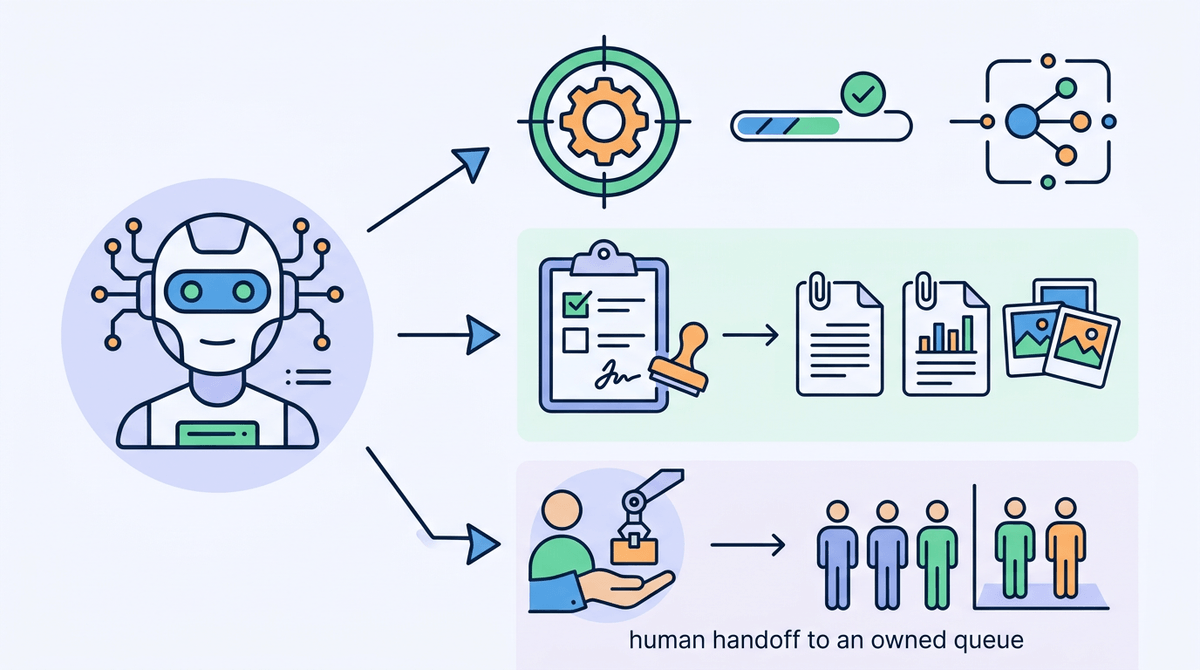
Incident reviews usually start with one question: who approved the change. If the agent acted under a shared service account, the answer is “the system,” which is not a person you can hold accountable. Give the agent a defined identity (or delegated user identity), scope it to a small set of actions, and make the authorization path explicit: what it can do automatically, what requires an approval, and what must hand off to a human owner.
Approvals need to live where your organization already enforces them. If a refund needs a manager sign-off, the agent should create the refund request, attach the evidence it used, and route it through the same workflow—not invent a new “AI approval” screen. Handoffs should be predictable: when confidence is low, required fields are missing, or a policy rule triggers, the agent pauses, summarizes, and assigns the task to a queue with an owner.
The cost is real: tighter permissions and approvals slow down the “wow” path and increase workflow plumbing. But without them, week two won’t look like a demo—it’ll look like a pattern of avoidable failures.
Failure modes you’ll see in week two (not in the demo)
That “pattern of avoidable failures” usually shows up right after the first real users hit edge cases. The agent works on the happy path, then stalls when required fields are missing, a record is locked, or an API call times out. If it retries without idempotency, you get duplicates: two tickets, two access grants, two status flips. If it doesn’t retry, work just disappears unless someone is watching the queue.
Another week-two problem is scope creep through prompts. A user asks, “Just fix it,” and the agent treats that as permission to do more than your policy intended—especially if the tool layer exposes broad actions. You’ll also see data mismatches: sandbox fields don’t exist in prod, a picklist value differs, or rate limits throttle bursts during peak hours, so latency spikes and users abandon the flow.
The most expensive failure is audit confusion. If the chat transcript, tool logs, and system-of-record history don’t line up, you can’t answer “what happened” fast enough to keep trust. That’s when teams start tightening controls, and your pilot either becomes a product—or a rollback.
A pilot you can defend: clear boundaries, controls, and success criteria
If you want the pilot to become a product instead of a rollback, write down what the agent is allowed to touch, in which environments, and what “done” means. Start with one workflow, one system of record, and a small set of typed actions—ideally “draft and route” before “execute.” Put hard stops in the tool layer: required fields, policy checks, idempotency keys, and a default path that hands off to a named queue owner.
Make success measurable in operational terms: % of requests that reach the right queue on the first try, median time-to-triage, duplicate-rate, and audit completeness (can you replay the decision from logs in under 10 minutes). Budget for the unglamorous work: access reviews, test data gaps, and on-call runbooks. If you can’t staff support, keep writes off by default and treat autonomy as a later phase.